
Master Claude, Chapter 2: The Three Pillars of Claude — Chat, Cowork, and Code
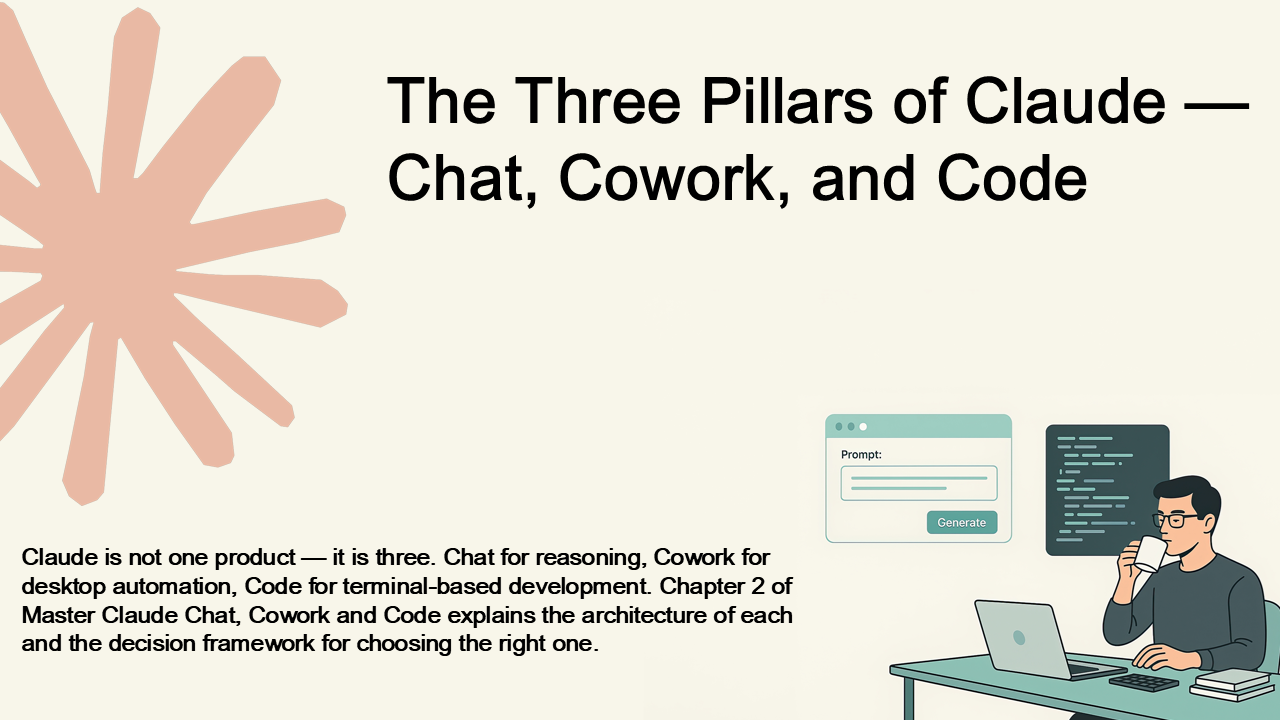
This is the second post in a chapter-by-chapter series on Master Claude Chat, Cowork and Code: From Prompting to Operational AI. The previous post was Chapter 1: The Evolution of Large Language Models, where we covered how LLMs moved from statistical text prediction to reasoning engines and why context engineering is the skill that matters most.
Chapter 2 is the chapter I wish existed when I first started working with Claude. I spent weeks using Claude Chat for everything — including tasks it was never designed for. I would ask it to reorganize files and then manually copy-paste the commands it gave me into a terminal. I would ask it to refactor code and then hand-apply each change across dozens of files. It worked, technically. But it was like using a screwdriver to hammer nails. The tool was wrong for the job, and I did not know the right one existed.
This chapter fixes that. Claude is not a single product. It is three distinct interfaces, each with a different architecture, different capabilities, and different trade-offs. Choosing the wrong one does not just slow you down — it changes what is possible.
Claude Chat: the reasoning layer
Claude Chat is the web interface at claude.ai. It is where most people first encounter Claude, and it is optimized for conversation, reasoning, and synthesis. You type a message, Claude responds, you iterate and refine.
The chapter walks through each of the key features that make Chat more than just a chatbot: Projects for persistent workspaces with uploaded documents and custom instructions, Artifacts for generating standalone content like web pages and scripts in a preview panel alongside the conversation, and Extended Thinking for problems that genuinely require deep reasoning before responding.
I spend time on extended thinking because it is the feature most people either overuse or ignore entirely. The mechanism is straightforward — you are asking the model to spend more computational resources reasoning before answering — but the trade-off matters. Extended thinking takes longer and costs more. It is worth it for complex architectural analysis or multi-constraint decisions. For routine questions, it is wasted resources. The chapter explains how to know which is which.
Claude Cowork: the desktop execution layer
Claude Cowork is a desktop application that runs AI agents in a sandboxed Linux virtual machine. This is the part that changes the interaction model entirely.
With Chat, you describe a problem and get instructions. With Cowork, you describe a goal and the agent executes it. Instead of telling Claude "how would I reorganize this directory structure," you say: "I have a chaotic Downloads folder with thousands of files. Sort them by type, date, and project." And Claude actually does it — examines the files, creates directories, moves everything, and reports back.
The sandbox model is important and the chapter spends several pages on it. Claude is not running on your actual computer. It runs inside an isolated virtual machine, which means destructive commands, risky experiments, and wrong turns are contained. You can roll back changes or discard the VM entirely. This isolation is what makes it safe to let an AI agent operate on your files without the anxiety of "what if it deletes something important."
The chapter also covers Cowork's browser automation — Claude can navigate websites, fill forms, extract data, take screenshots — and file operations that go far beyond what you can do through a chat interface. If you have ever spent an afternoon renaming hundreds of files, converting between formats, or extracting data from PDFs, this is the section that will make you wonder why you waited so long.
Claude Code: the development layer
Claude Code is a command-line interface that runs on your local development machine. Unlike Cowork, which runs in a sandbox, Code runs on your real machine, with access to your actual codebase, git repository, and development environment. This is not a safety net — it is a power tool.
The chapter covers four capabilities that make Code fundamentally different from the other two interfaces:
Git integration. Claude Code is deeply aware of git. It creates meaningful commits, reviews diffs before committing, and maintains coherent history. After Claude finishes a task, you review what was committed and push to your remote.
Codebase awareness. When you run Claude Code in your project directory, it reads your entire codebase. It understands the structure — source files, tests, configuration. It identifies your naming conventions, error handling patterns, and architectural decisions. This is why Code produces code that feels like it belongs in your project, not code that was generated in isolation.
Test and build integration. Claude Code can run your build system, your tests, and your linters. If your test suite fails after a change, Claude sees the failure and adjusts. This feedback loop means Code produces code that actually works, not code that compiles locally but breaks in CI.
Multi-file refactoring. "Add comprehensive logging to all service classes" — the kind of task that takes a junior engineer hours of manual editing. Claude Code makes the change consistently across dozens of files, updates imports, maintains naming consistency, and ensures integration.
The decision framework
The section I found myself referencing the most after writing the book is the decision matrix at the end of Chapter 2. It is simple enough to memorize:
Intellectual work — thinking, analysis, learning, writing? → Claude Chat.
System-level work — files, automation, web interaction, in a safe sandbox? → Claude Cowork.
Development work — code, git, tests, builds, integrated with your real codebase? → Claude Code.
Not sure which? → Start with Claude Chat. Understand the problem. Think it through. Once you know what you want to do, move to the appropriate execution interface.
In practice, you will often use all three in a single day, sometimes on a single project. You use Chat to think through the architecture. You use Code to implement it. You use Cowork to generate the documentation or automate the deployment artifacts. The chapter explains how the three layers complement each other and why trying to force everything through one interface is the single most common mistake new Claude users make.
I will not spoil the specific workflow examples the book walks through — those are the pages where the theory becomes muscle memory — but I will say that once you internalize the decision framework, you stop wasting time on the wrong tool. And that alone is worth the chapter.
What Chapter 2 sets up
By the end of this chapter, you will understand the architecture and design philosophy behind each of the three Claude interfaces, why Chat, Cowork, and Code are not interchangeable and when to use each, the sandbox model that makes Cowork safe for autonomous execution, how Code's git and codebase awareness produce higher-quality output than isolated code generation, and the decision framework for matching tool to task.
The next three parts of the book — Part II (Mastering Chat), Part III (Mastering Cowork), and Part IV (Mastering Code) — each go deep on one pillar. Chapter 2 is the map that tells you which section to read first based on your work.
Next in this series: Chapter 3 — Understanding Entropy and Prompting Fundamentals. We will get into the mechanics of why certain prompts work and others fail, XML-structured prompting, chain-of-thought techniques, and multishot examples — the technical foundations that make every interaction with Claude more effective.
📖 Get the complete book
All twenty chapters, the full decision frameworks, hands-on workflows for Claude Chat, Cowork, and Code, plus the CLI reference, CLAUDE.md templates, MCP examples, and security checklist.

Sho Shimoda
I share and organize what I’ve learned and experienced.Categories
Tags
Search Logs
Development & Technical Consulting
Working on a new product or exploring a technical idea? We help teams with system design, architecture reviews, requirements definition, proof-of-concept development, and full implementation. Whether you need a quick technical assessment or end-to-end support, feel free to reach out.
Contact Us