
{R}R 開発ノート
合計 21 件の記事が見つかりました。
Frictionless SaaS, Chapter 23: Pattern Libraries and Proven Approaches
Frameworks are nice. Patterns are what you actually ship. A teaser for Chapter 23 of Frictionless SaaS, introducing the Fast Activation Pattern Library, the Frictionless Onboarding Catalog, and a set of high-performing product patterns borrowed from the SaaS companies that get activation right.
2026-04-13
Frictionless SaaS, Chapter 7: Behavioral Nudges - Guiding Users Without Nagging Them
Chapter 7 of the Frictionless SaaS blog series. How to build a behavioral nudge system that feels like a helpful friend instead of an annoying pop-up, and how the Re-engagement Cascade catches users before they fully churn - without spamming them.
2026-03-28
OpenClaw Engineering, Chapter 8: Event-Driven Workflows
How OpenClaw agents spring into action automatically via hooks, webhooks, and TypeScript handlers—without waiting for human invocation. From internal events to CI/CD pipelines.
2026-03-23
OpenClaw Engineering, Chapter 6: Extending Capabilities with SKILL.md
The anatomy of SKILL.md files in OpenClaw: how to author reusable, versioned instruction sets with YAML frontmatter, dependencies, and explicit procedural guidance for agents.
2026-03-21
Chapter 11: MFA and Conditional Access — Dispersing Authentication Risk
Chapter 11 of the OpenID: Modern Identity series — MFA fundamentals across the three factor categories, risk-based adaptive authentication, and step-up authentication using the OIDC acr and amr claims to match assurance to operation sensitivity.
2026-03-17
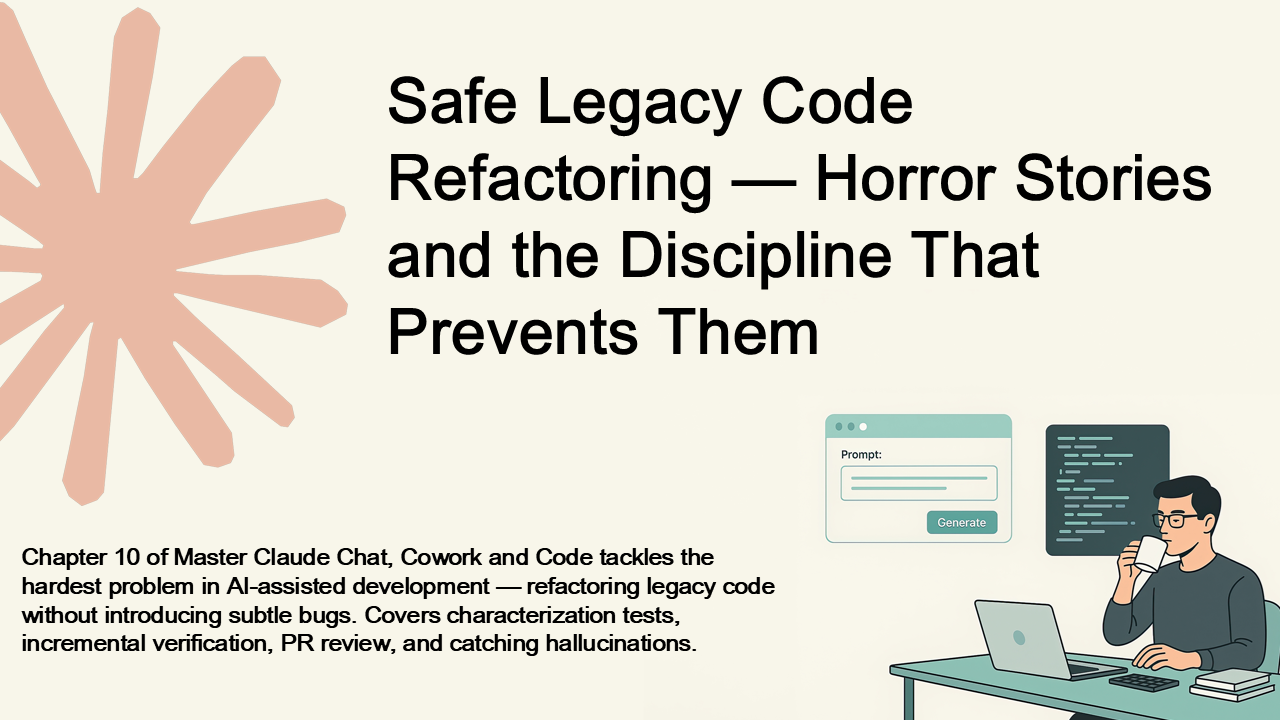
Chapter 10: Safe Legacy Code Refactoring — Horror Stories and the Discipline That Prevents Them
Chapter 10 of Master Claude Chat, Cowork and Code tackles the hardest problem in AI-assisted development — refactoring legacy code without introducing subtle bugs. Covers characterization tests, incremental verification, PR review, and catching hallucinations.
2026-03-11
Art of Coding, Chapter 15: Code as a Team Sport
Code as a team sport: shared ownership, documentation as craft, and respecting the reader. The human practices that make software sustainable and teams thrive.
2026-01-12

Use Case: Sales Assistant Bot|Mastering Microsoft Teams Bots 6.3
Learn how to build a Sales Assistant Bot for Microsoft Teams. From surfacing leads to logging calls and syncing with CRMs, this section shows how bots can empower sales teams to move faster, close deals, and automate follow-ups — all within Teams.
2025-04-20
Use Case: Project Management Assistant Bot|Mastering Microsoft Teams Bots 6.2
Explore how to build a Project Management Assistant Bot for Microsoft Teams that delivers task summaries, reminders, and updates directly in the chat. Learn how this bot improves team productivity by integrating with tools like Jira or Trello and surfacing key information within the Teams workflow.
2025-04-19
Use Case: Helpdesk Assistant Bot|Mastering Microsoft Teams Bots 6.1
Explore how to build a Helpdesk Assistant Bot in Microsoft Teams. Learn how bots can reduce IT load by handling FAQs, logging support tickets, and notifying users — all within Teams. This section explains features, user experience, and implementation strategies.
2025-04-18
Monitoring, Logging, and Telemetry|Mastering Microsoft Teams Bots 5.3
Learn how to monitor and support your Microsoft Teams bot in production using logging, Azure Application Insights, and alerts. This section shows how to track user events, diagnose failures, and create telemetry that makes your bot reliable and supportable.
2025-04-17

Message Extensions|Mastering Microsoft Teams Bots 4.3
Learn how to build search- and action-based Message Extensions in Microsoft Teams. This section shows how to let users interact with your bot directly from the message composer — to search records, fill forms, or insert rich cards — all without leaving the chat.
2025-04-13
Proactive Messaging|Mastering Microsoft Teams Bots 4.2
Learn how to build bots that initiate conversations in Microsoft Teams. This section explains proactive messaging — including when and how to use it, how to store conversation references, and best practices to ensure your bot helps without interrupting.
2025-04-12
Task Modules|Mastering Microsoft Teams Bots 4.1
Learn how to use Task Modules in Microsoft Teams to embed rich, interactive modal experiences inside your bot. This section explains how to launch, return data from, and design secure webviews that turn chat into structured user interaction.
2025-04-11
Rich Responses with Adaptive Cards|Mastering Microsoft Teams Bots 3.2
Learn how to create rich, interactive messages in Microsoft Teams using Adaptive Cards. This section explains how to design, send, and handle cards in your bot — making your bot feel less like a chat and more like a true app experience inside Teams.
2025-04-09
Message Handling|Mastering Microsoft Teams Bots 3.1
Learn how to build responsive and intelligent Microsoft Teams bots by handling messages effectively. This section covers activity types, keyword detection, mentions, markdown formatting, conversation context, and tips for scaling from simple replies to powerful, workflow-driven bots.
2025-04-08
Bot Authentication and Identity|Mastering Microsoft Teams Bots 2.3
Learn how Microsoft Teams bots authenticate users and access secure data. This section covers SSO, OAuth 2.0, and the Microsoft Graph API, giving your bot the ability to understand identity and act on behalf of users—safely and seamlessly.
2025-04-07
Overview of Microsoft Teams Bot Capabilities|Mastering Microsoft Teams Bots 1.3
Explore the full range of capabilities bots can offer in Microsoft Teams. This section breaks down interactive contexts, features like Adaptive Cards, proactive messaging, user authentication, Graph API integration, and what limitations still exist. Get a developer’s guide to what’s possible.
2025-04-04
Overview of Microsoft Teams Architecture|Mastering Microsoft Teams Bots 1.2
Get a developer-friendly introduction to how Microsoft Teams is built. This section explains Teams architecture—channels, tabs, bots, messaging extensions, and Graph API—and shows how each component fits into the broader platform. A must-read before building your first bot.
2025-04-03
Why Build Bots for Microsoft Teams?|Mastering Microsoft Teams Bots 1.1
Discover why Microsoft Teams bots are transforming the workplace. This section explores the real-world impact of building bots in Teams, from automating tasks and integrating external services to enabling context-aware digital assistants. Learn how bots can save time, boost productivity, and bring automation into the flow of daily work.
2025-04-02
Mastering Microsoft Teams Bots: A Complete Developer’s Guide
The definitive guide to building bots for Microsoft Teams—from fundamentals to deployment. Learn how to build intelligent and interactive bots using the Microsoft Bot Framework, integrate Adaptive Cards and Task Modules, send proactive messages, authenticate users with Teams SSO, and deploy securely on Azure. Packed with practical examples and real-world use cases, this book will help you automate workflows, enhance collaboration, and deliver smart experiences inside Teams.
2025-04-01
カテゴリー
タグ
検索ログ
Hello World bot 1010
Deploy Teams bot to Azure 955
IT assistant bot 937
Microsoft Bot Framework 915
Azure CLI webapp deploy 868
Teams bot development 831
Teams production bot 831
Adaptive Card Action.Submit 828
bot for sprint updates 814
Bot Framework Adaptive Card 813
Microsoft Teams Task Modules 813
C 811
Bot Framework example 810
Microsoft Graph 810
Teams app zip 808
Graph API token 801
Adaptive Cards 798
Task Modules 797
Zendesk Teams integration 796
Teams chatbot 795
Bot Framework proactive messaging 794
Azure Bot Services 790
Teams bot packaging 790
Teams bot tutorial 790
Azure App Service bot 785
Bot Framework CLI 782
Azure bot registration 775
Bot Framework prompts 773
ServiceNow bot 766
proactive messages 735
Development & Technical Consulting
Working on a new product or exploring a technical idea? We help teams with system design, architecture reviews, requirements definition, proof-of-concept development, and full implementation. Whether you need a quick technical assessment or end-to-end support, feel free to reach out.
Contact Us