
{R}R Dev Notes
Found total of 19 articles.
Frictionless SaaS, Chapter 17: Self-Serve Onboarding and Setup
Why self-serve setup converts 2-3x better than assisted onboarding, and the Progressive Setup Pattern and Smart Defaults Strategy that make complex products feel simple.
2026-04-07
Frictionless SaaS Chapter 10: Data Lock-In and Network Lock-In
Chapter 10 preview of Frictionless SaaS: the Data Gravity Effect, the Network Lock-In Model, and how to build structural moats that make churn expensive without being manipulative.
2026-03-31

Frictionless SaaS, Chapter 8: Designing for Habit - Why Retention Is Your Real Growth Engine
Chapter 8 of the Frictionless SaaS blog series. Retention is the multiplier on every dollar of acquisition you'll ever spend. The Habit Loop Engine, the Return Reason Architecture, and the DAU/WAU signals that tell you whether you're building a habit or a one-night stand.
2026-03-29
Frictionless SaaS, Chapter 1: Silent Churn — The Users Who Leave Without Complaining
Chapter 1 of the Frictionless SaaS blog series. Silent churn is the most dangerous kind of churn — users who sign up, disappear, and never tell you why. A look at the Silent Churn Pattern and the Activation Gap.
2026-03-22
Frictionless SaaS, Part 0: How Users Actually Find, Judge, and Try Your Product
Kicking off a blog series based on the book "Frictionless SaaS." This first post introduces Chapters 0.1 through 0.3 — Discovery, the Landing Page, and Freemium & Entry Points — the three friction points every user hits before they ever sign up.
2026-03-21
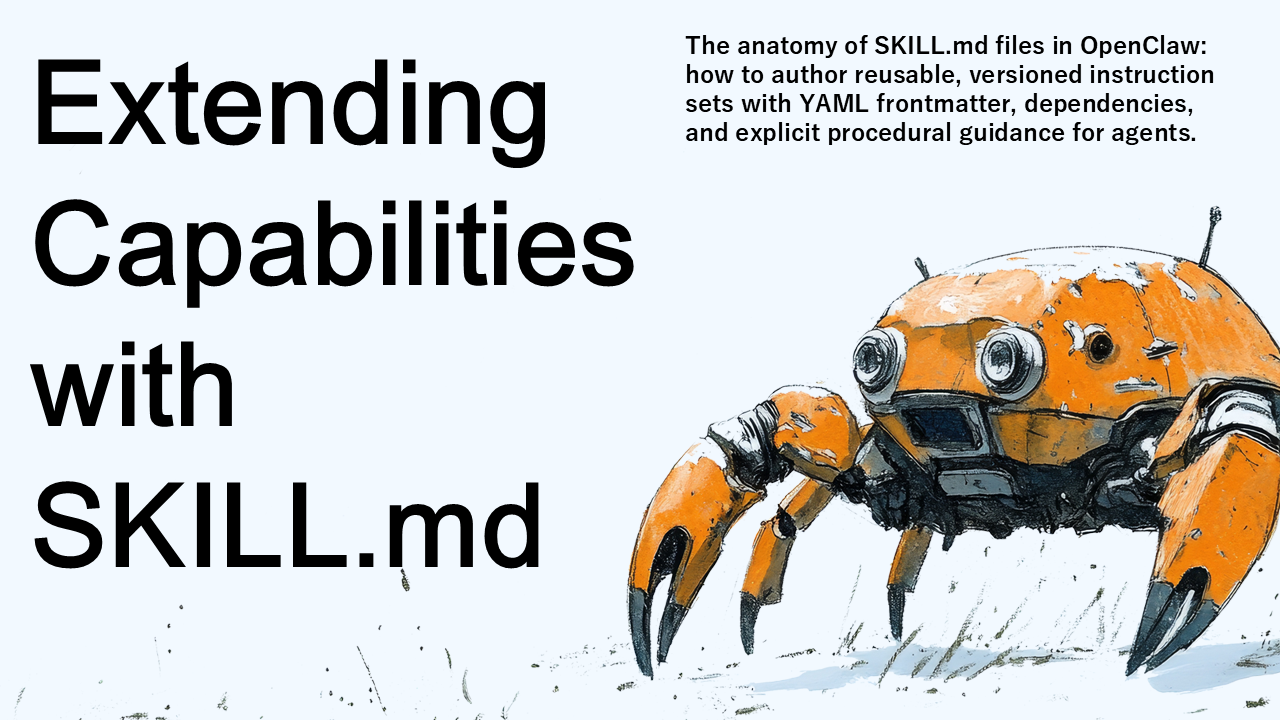
OpenClaw Engineering, Chapter 6: Extending Capabilities with SKILL.md
The anatomy of SKILL.md files in OpenClaw: how to author reusable, versioned instruction sets with YAML frontmatter, dependencies, and explicit procedural guidance for agents.
2026-03-21
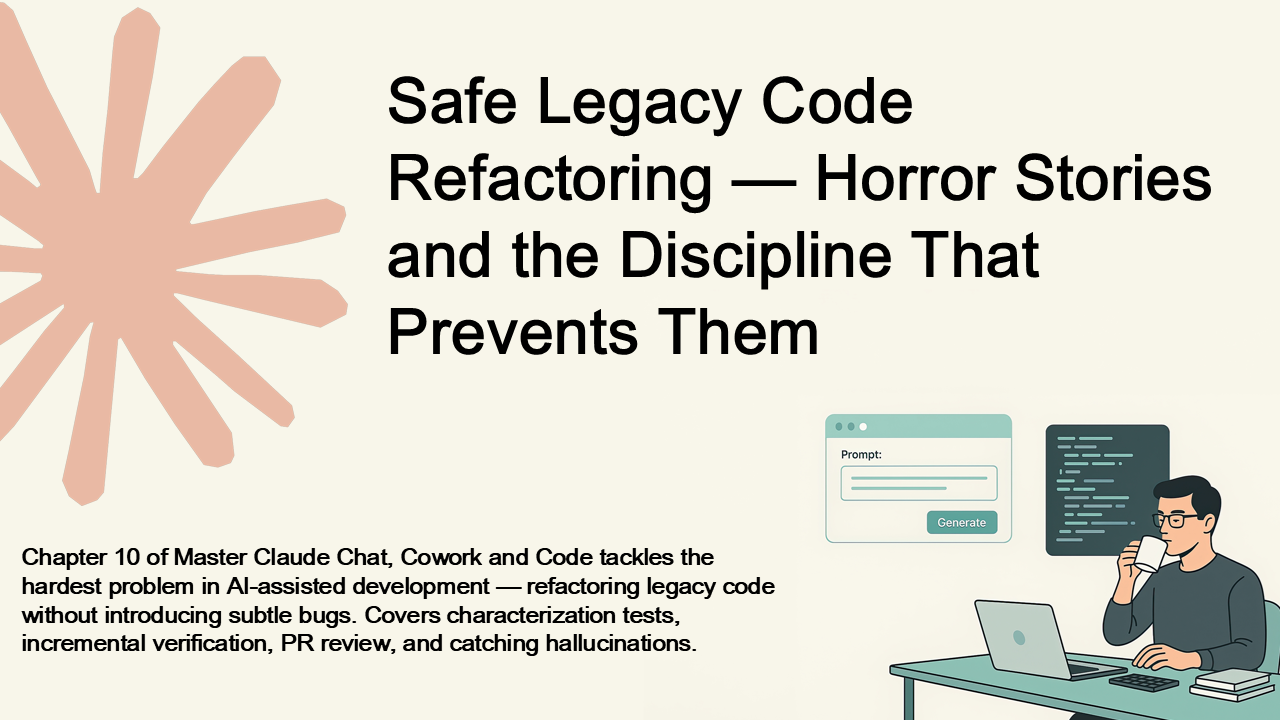
Chapter 10: Safe Legacy Code Refactoring — Horror Stories and the Discipline That Prevents Them
Chapter 10 of Master Claude Chat, Cowork and Code tackles the hardest problem in AI-assisted development — refactoring legacy code without introducing subtle bugs. Covers characterization tests, incremental verification, PR review, and catching hallucinations.
2026-03-11

Use Case: Sales Assistant Bot|Mastering Microsoft Teams Bots 6.3
Learn how to build a Sales Assistant Bot for Microsoft Teams. From surfacing leads to logging calls and syncing with CRMs, this section shows how bots can empower sales teams to move faster, close deals, and automate follow-ups — all within Teams.
2025-04-20
Use Case: Project Management Assistant Bot|Mastering Microsoft Teams Bots 6.2
Explore how to build a Project Management Assistant Bot for Microsoft Teams that delivers task summaries, reminders, and updates directly in the chat. Learn how this bot improves team productivity by integrating with tools like Jira or Trello and surfacing key information within the Teams workflow.
2025-04-19
Use Case: Helpdesk Assistant Bot|Mastering Microsoft Teams Bots 6.1
Explore how to build a Helpdesk Assistant Bot in Microsoft Teams. Learn how bots can reduce IT load by handling FAQs, logging support tickets, and notifying users — all within Teams. This section explains features, user experience, and implementation strategies.
2025-04-18
Monitoring, Logging, and Telemetry|Mastering Microsoft Teams Bots 5.3
Learn how to monitor and support your Microsoft Teams bot in production using logging, Azure Application Insights, and alerts. This section shows how to track user events, diagnose failures, and create telemetry that makes your bot reliable and supportable.
2025-04-17

Message Extensions|Mastering Microsoft Teams Bots 4.3
Learn how to build search- and action-based Message Extensions in Microsoft Teams. This section shows how to let users interact with your bot directly from the message composer — to search records, fill forms, or insert rich cards — all without leaving the chat.
2025-04-13
Proactive Messaging|Mastering Microsoft Teams Bots 4.2
Learn how to build bots that initiate conversations in Microsoft Teams. This section explains proactive messaging — including when and how to use it, how to store conversation references, and best practices to ensure your bot helps without interrupting.
2025-04-12
Task Modules|Mastering Microsoft Teams Bots 4.1
Learn how to use Task Modules in Microsoft Teams to embed rich, interactive modal experiences inside your bot. This section explains how to launch, return data from, and design secure webviews that turn chat into structured user interaction.
2025-04-11
Rich Responses with Adaptive Cards|Mastering Microsoft Teams Bots 3.2
Learn how to create rich, interactive messages in Microsoft Teams using Adaptive Cards. This section explains how to design, send, and handle cards in your bot — making your bot feel less like a chat and more like a true app experience inside Teams.
2025-04-09
Message Handling|Mastering Microsoft Teams Bots 3.1
Learn how to build responsive and intelligent Microsoft Teams bots by handling messages effectively. This section covers activity types, keyword detection, mentions, markdown formatting, conversation context, and tips for scaling from simple replies to powerful, workflow-driven bots.
2025-04-08
Bot Authentication and Identity|Mastering Microsoft Teams Bots 2.3
Learn how Microsoft Teams bots authenticate users and access secure data. This section covers SSO, OAuth 2.0, and the Microsoft Graph API, giving your bot the ability to understand identity and act on behalf of users—safely and seamlessly.
2025-04-07
Overview of Microsoft Teams Bot Capabilities|Mastering Microsoft Teams Bots 1.3
Explore the full range of capabilities bots can offer in Microsoft Teams. This section breaks down interactive contexts, features like Adaptive Cards, proactive messaging, user authentication, Graph API integration, and what limitations still exist. Get a developer’s guide to what’s possible.
2025-04-04
Mastering Microsoft Teams Bots: A Complete Developer’s Guide
The definitive guide to building bots for Microsoft Teams—from fundamentals to deployment. Learn how to build intelligent and interactive bots using the Microsoft Bot Framework, integrate Adaptive Cards and Task Modules, send proactive messages, authenticate users with Teams SSO, and deploy securely on Azure. Packed with practical examples and real-world use cases, this book will help you automate workflows, enhance collaboration, and deliver smart experiences inside Teams.
2025-04-01
Categories
Tags
Search Logs
Hello World bot 1239
IT assistant bot 1212
Deploy Teams bot to Azure 1207
Microsoft Bot Framework 1105
Teams bot development 1085
Teams production bot 1075
bot for sprint updates 1061
Zendesk Teams integration 1048
Teams app zip 1044
Microsoft Teams Task Modules 1027
Teams chatbot 1024
Bot Framework Adaptive Card 1022
Teams bot tutorial 1013
Bot Framework example 1008
Task Modules 1007
Teams bot packaging 1005
Bot Framework proactive messaging 995
C 993
Graph API token 991
Bot Framework CLI 978
Azure CLI webapp deploy 977
Bot Framework prompts 971
Adaptive Card Action.Submit 966
Azure App Service bot 952
Microsoft Graph 935
Azure Bot Services 934
Adaptive Cards 906
ServiceNow bot 906
Azure bot registration 905
identity in Teams 877
Development & Technical Consulting
Working on a new product or exploring a technical idea? We help teams with system design, architecture reviews, requirements definition, proof-of-concept development, and full implementation. Whether you need a quick technical assessment or end-to-end support, feel free to reach out.
Contact Us