
{R}R Dev Notes
Found total of 43 articles.
Azure Front Door: a practical introduction
What Azure Front Door is, who it's for, what it costs, how it compares to Cloudflare and CloudFront, and a walkthrough of the settings that matter when putting it in front of an Azure App Service.
2026-05-11
The Engineering of Intent, Chapter 4: The Model Context Protocol (MCP)
Chapter 4 of The Engineering of Intent blog series. MCP is to agents what HTTP was to the early Web — a common protocol that turns bespoke integrations into reusable infrastructure. A teaser on host/client/server roles, the anatomy of a good tool, the six anti-patterns, and the security pitfalls every team trips over.
2026-04-20
OpenClaw Engineering, Chapter 13: Hardening the Ecosystem
The final chapter: ecosystem security, the ClawHavoc incident, defending against malware in dependencies, confirming high-risk operations, and building auditing and disaster recovery systems.
2026-03-28
OpenClaw Engineering, Chapter 11: Continuous Learning with OpenClaw-RL
How OpenClaw-RL extracts training signals from conversations and uses them to improve agent behavior continuously. From binary feedback to token-level distillation, agents learn from every interaction without retraining the base model.
2026-03-26
Chapter 19: Observability and Operations — Identity You Can Actually Run
Chapter 19 of the OpenID: Modern Identity series — observability and operations for identity systems: structured authentication logging with correlation IDs, distributed tracing of login flows, and immutable audit trails aligned to regulatory requirements.
2026-03-25
OpenClaw Engineering, Chapter 8: Event-Driven Workflows
How OpenClaw agents spring into action automatically via hooks, webhooks, and TypeScript handlers—without waiting for human invocation. From internal events to CI/CD pipelines.
2026-03-23
OpenClaw Engineering, Chapter 5: Connecting Multiple Channels
How to connect your OpenClaw agent to multiple messaging platforms (Telegram, WhatsApp, Discord, Slack) and manage multi-channel routing. Setup, configuration quirks, and troubleshooting for each platform.
2026-03-20
OpenClaw Engineering, Chapter 4: Managing the Gateway and Models
Configuring your running gateway with the onboard wizard, diagnostics, and openclaw.json. How to connect model providers, manage API keys securely, and route different queries to different models.
2026-03-19
Chapter 17 – Guardrails and Governance
Chapter 17 of Master Claude Chat, Cowork and Code moves from understanding risks to implementing controls — permission isolation, tool allow-lists, human-in-the-loop approval workflows, validation hooks, and enterprise-grade audit logging.
2026-03-18
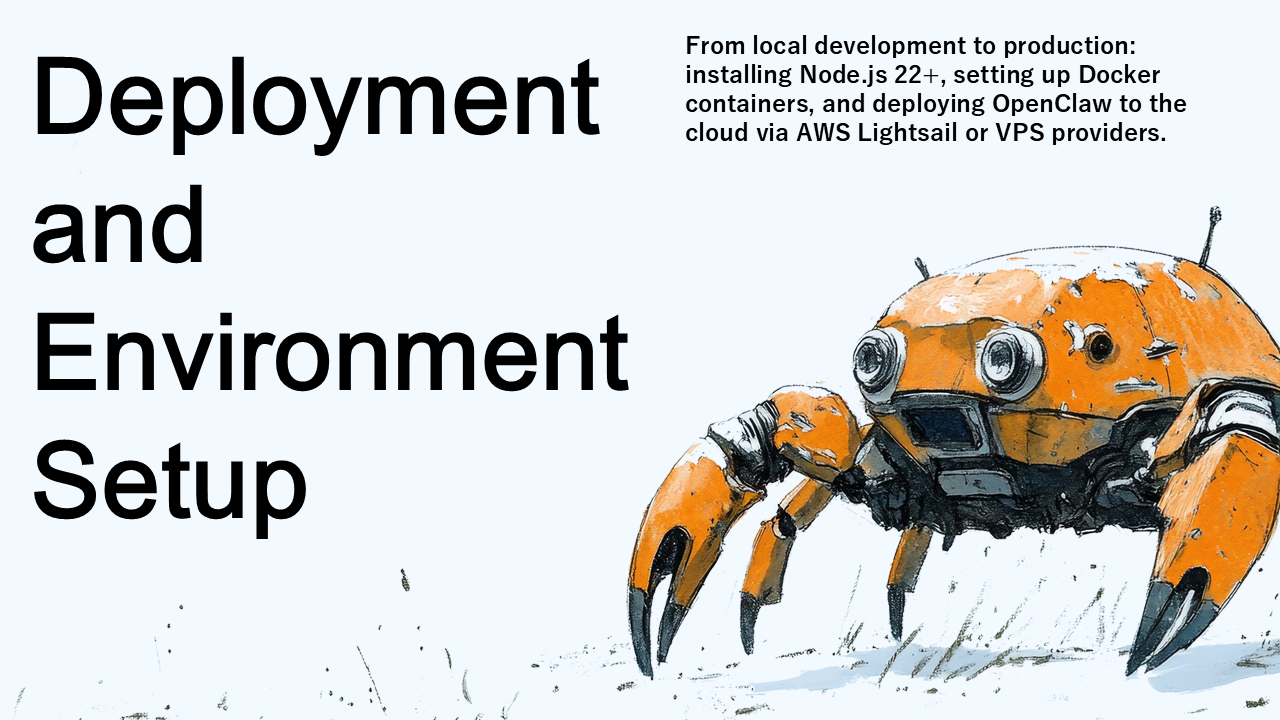
OpenClaw Engineering, Chapter 3: Deployment and Environment Setup
From local development to production: installing Node.js 22+, setting up Docker containers, and deploying OpenClaw to the cloud via AWS Lightsail or VPS providers.
2026-03-18
Chapter 16 – Execution Risks and Isolation
Chapter 16 of Master Claude Chat, Cowork and Code confronts the real security risks of AI systems that execute commands and manipulate files — from command injection to data exposure — and explains the isolation models that keep things safe.
2026-03-17
Chapter 11: MFA and Conditional Access — Dispersing Authentication Risk
Chapter 11 of the OpenID: Modern Identity series — MFA fundamentals across the three factor categories, risk-based adaptive authentication, and step-up authentication using the OIDC acr and amr claims to match assurance to operation sensitivity.
2026-03-17
Chapter 12: CLAUDE.md — Designing Guardrails That Shape How Claude Thinks
Chapter 12 of Master Claude Chat, Cowork and Code explores CLAUDE.md as a living constitution for AI behavior — positive constraints over prohibitions, complete financial and startup examples, instruction decay, hierarchical files, and anti-patterns to avoid.
2026-03-13
Chapter 10: Safe Legacy Code Refactoring — Horror Stories and the Discipline That Prevents Them
Chapter 10 of Master Claude Chat, Cowork and Code tackles the hardest problem in AI-assisted development — refactoring legacy code without introducing subtle bugs. Covers characterization tests, incremental verification, PR review, and catching hallucinations.
2026-03-11
Chapter 9: Claude Code Fundamentals — The CLI Agent That Rewrites Your Codebase
Chapter 9 of Master Claude Chat, Cowork and Code introduces Claude Code — a CLI agent that reads, analyzes, and modifies codebases directly from the terminal. Covers architecture, multi-file refactoring, Git worktrees, and permission management.
2026-03-10
Chapter 8: Scheduled Tasks and Autonomous Execution — Making Claude Work While You Sleep
Chapter 8 of Master Claude Chat, Cowork and Code covers scheduled automation with Claude Cowork — cron-based recurring workflows, sleep/connectivity handling, error strategies, and applying GTD principles to AI task automation.
2026-03-09
Chapter 6: What Is Claude Cowork? — The Desktop Agent That Touches Your Files
Chapter 6 of Master Claude Chat, Cowork and Code introduces Claude Cowork — a sandboxed desktop agent that automates file management, data extraction, and cross-application workflows on your local machine.
2026-03-07
Chapter 1: Why Identity Is Hard — The Trust Problem Behind Every Login
Chapter 1 of the OpenID: Modern Identity book series — why identity is a trust problem first and a technology problem second, and why authentication and authorization must never be conflated.
2026-03-07
OpenID: Modern Identity for Developers and Architects — A 22-Part Blog Series
Introduction and index for the 22-part blog series based on OpenID: Modern Identity for Developers and Architects by Sho Shimoda — with links to every chapter from Why Identity Is Hard through Identity in AI Systems.
2026-03-06
Master Claude, Chapter 2: The Three Pillars of Claude — Chat, Cowork, and Code
Claude is not one product — it is three. Chat for reasoning, Cowork for desktop automation, Code for terminal-based development. Chapter 2 of Master Claude Chat, Cowork and Code explains the architecture of each and the decision framework for choosing the right one.
2026-03-03
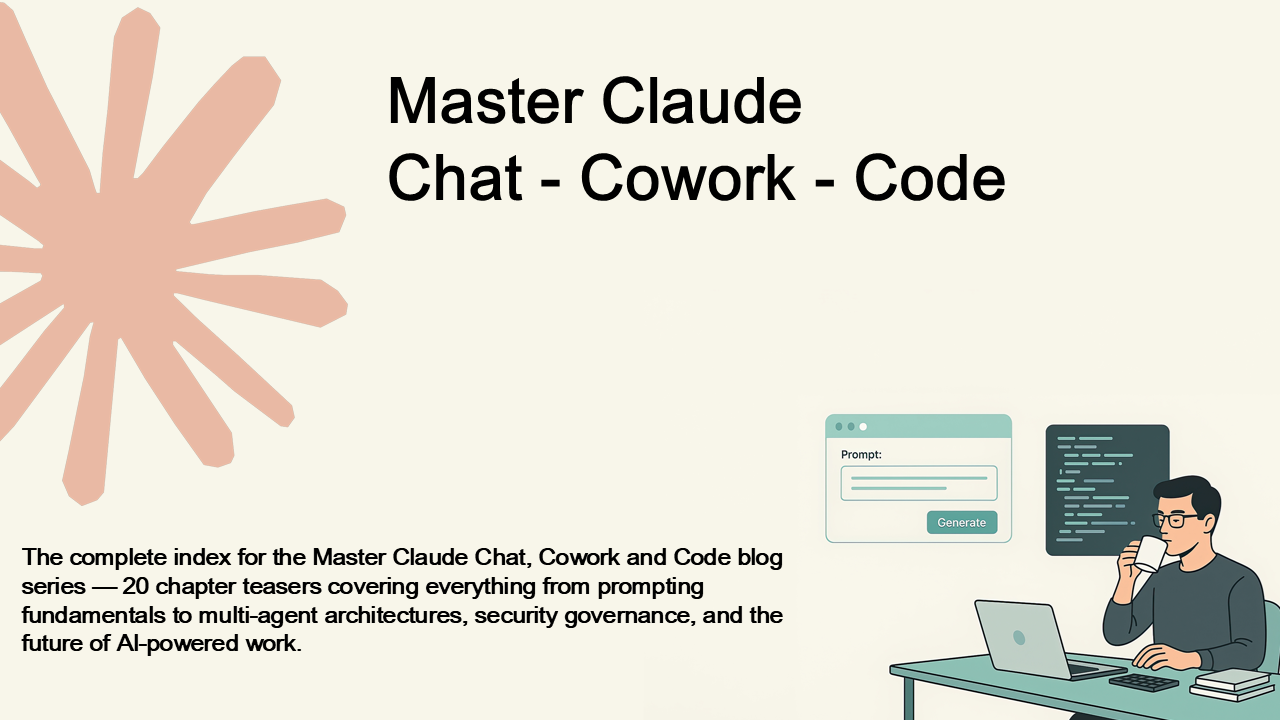
Master Claude Chat, Cowork and Code – The Complete Blog Series
The complete index for the Master Claude Chat, Cowork and Code blog series — 20 chapter teasers covering everything from prompting fundamentals to multi-agent architectures, security governance, and the future of AI-powered work.
2026-03-01
Art of Coding, Chapter 8: Performance without Sacrificing Clarity
Chasing speed too early blinds you to real bottlenecks. Clarity first, measurement second, optimization third—that's the order.
2026-01-02
Art of Coding, Chapter 7: Error Handling and Resilience
Designing for failure, not avoiding it. How graceful error handling, clear logging, and balanced defense build systems that endure.
2026-01-01

Use Case: Sales Assistant Bot|Mastering Microsoft Teams Bots 6.3
Learn how to build a Sales Assistant Bot for Microsoft Teams. From surfacing leads to logging calls and syncing with CRMs, this section shows how bots can empower sales teams to move faster, close deals, and automate follow-ups — all within Teams.
2025-04-20
Use Case: Project Management Assistant Bot|Mastering Microsoft Teams Bots 6.2
Explore how to build a Project Management Assistant Bot for Microsoft Teams that delivers task summaries, reminders, and updates directly in the chat. Learn how this bot improves team productivity by integrating with tools like Jira or Trello and surfacing key information within the Teams workflow.
2025-04-19
Use Case: Helpdesk Assistant Bot|Mastering Microsoft Teams Bots 6.1
Explore how to build a Helpdesk Assistant Bot in Microsoft Teams. Learn how bots can reduce IT load by handling FAQs, logging support tickets, and notifying users — all within Teams. This section explains features, user experience, and implementation strategies.
2025-04-18
Monitoring, Logging, and Telemetry|Mastering Microsoft Teams Bots 5.3
Learn how to monitor and support your Microsoft Teams bot in production using logging, Azure Application Insights, and alerts. This section shows how to track user events, diagnose failures, and create telemetry that makes your bot reliable and supportable.
2025-04-17

Teams App Manifest and Packaging|Mastering Microsoft Teams Bots 5.2
Transform your bot into a full Teams app. This section walks through how to create a Teams app manifest, add branding, define scopes, and package your bot into a distributable .zip file for sideloading, internal use, or submission to the Microsoft App Store.
2025-04-16
Deploying to Azure|Mastering Microsoft Teams Bots 5.1
Learn how to deploy your Microsoft Teams bot to Azure for production use. This section walks through setting up an Azure App Service, configuring environment variables, connecting to Bot Channels Registration, and testing your bot in the cloud.
2025-04-15

Localization and Multi-Tenant Support|Mastering Microsoft Teams Bots 4.4
Prepare your Microsoft Teams bot for real-world deployment. This section covers how to support multiple languages using localization, and how to safely handle multiple organizations with multi-tenant support — including tenant isolation, data security, and consent flows.
2025-04-14

Message Extensions|Mastering Microsoft Teams Bots 4.3
Learn how to build search- and action-based Message Extensions in Microsoft Teams. This section shows how to let users interact with your bot directly from the message composer — to search records, fill forms, or insert rich cards — all without leaving the chat.
2025-04-13
Proactive Messaging|Mastering Microsoft Teams Bots 4.2
Learn how to build bots that initiate conversations in Microsoft Teams. This section explains proactive messaging — including when and how to use it, how to store conversation references, and best practices to ensure your bot helps without interrupting.
2025-04-12
Task Modules|Mastering Microsoft Teams Bots 4.1
Learn how to use Task Modules in Microsoft Teams to embed rich, interactive modal experiences inside your bot. This section explains how to launch, return data from, and design secure webviews that turn chat into structured user interaction.
2025-04-11
Conversation Flow and Dialogs|Mastering Microsoft Teams Bots 3.3
Learn how to build intelligent conversation flows in Microsoft Teams bots using dialogs. This section explains how to guide users through multi-turn interactions, manage state, use prompts and waterfalls, and decide when to use dialogs versus Task Modules.
2025-04-10
Rich Responses with Adaptive Cards|Mastering Microsoft Teams Bots 3.2
Learn how to create rich, interactive messages in Microsoft Teams using Adaptive Cards. This section explains how to design, send, and handle cards in your bot — making your bot feel less like a chat and more like a true app experience inside Teams.
2025-04-09
Message Handling|Mastering Microsoft Teams Bots 3.1
Learn how to build responsive and intelligent Microsoft Teams bots by handling messages effectively. This section covers activity types, keyword detection, mentions, markdown formatting, conversation context, and tips for scaling from simple replies to powerful, workflow-driven bots.
2025-04-08
Bot Authentication and Identity|Mastering Microsoft Teams Bots 2.3
Learn how Microsoft Teams bots authenticate users and access secure data. This section covers SSO, OAuth 2.0, and the Microsoft Graph API, giving your bot the ability to understand identity and act on behalf of users—safely and seamlessly.
2025-04-07
Hello World Bot|Mastering Microsoft Teams Bots 2.2
Build your first Microsoft Teams bot with a simple Hello World response. This hands-on section walks you through using the Bot Framework SDK, setting up a local project with Node.js or .NET, using Ngrok to expose your endpoint, and testing your bot directly in Teams.
2025-04-06
Setting Up Your Environment|Mastering Microsoft Teams Bots 2.1
Start your Microsoft Teams bot development journey with a solid foundation. This section walks you through the essential tools—Node.js, .NET SDK, Ngrok, Azure CLI—and explains why setting up your dev environment the right way is critical to building bots successfully.
2025-04-05
Overview of Microsoft Teams Bot Capabilities|Mastering Microsoft Teams Bots 1.3
Explore the full range of capabilities bots can offer in Microsoft Teams. This section breaks down interactive contexts, features like Adaptive Cards, proactive messaging, user authentication, Graph API integration, and what limitations still exist. Get a developer’s guide to what’s possible.
2025-04-04
Overview of Microsoft Teams Architecture|Mastering Microsoft Teams Bots 1.2
Get a developer-friendly introduction to how Microsoft Teams is built. This section explains Teams architecture—channels, tabs, bots, messaging extensions, and Graph API—and shows how each component fits into the broader platform. A must-read before building your first bot.
2025-04-03
Why Build Bots for Microsoft Teams?|Mastering Microsoft Teams Bots 1.1
Discover why Microsoft Teams bots are transforming the workplace. This section explores the real-world impact of building bots in Teams, from automating tasks and integrating external services to enabling context-aware digital assistants. Learn how bots can save time, boost productivity, and bring automation into the flow of daily work.
2025-04-02
Mastering Microsoft Teams Bots: A Complete Developer’s Guide
The definitive guide to building bots for Microsoft Teams—from fundamentals to deployment. Learn how to build intelligent and interactive bots using the Microsoft Bot Framework, integrate Adaptive Cards and Task Modules, send proactive messages, authenticate users with Teams SSO, and deploy securely on Azure. Packed with practical examples and real-world use cases, this book will help you automate workflows, enhance collaboration, and deliver smart experiences inside Teams.
2025-04-01
Categories
Tags
Search Logs
Hello World bot 1239
IT assistant bot 1212
Deploy Teams bot to Azure 1207
Microsoft Bot Framework 1105
Teams bot development 1085
Teams production bot 1075
bot for sprint updates 1061
Zendesk Teams integration 1048
Teams app zip 1044
Microsoft Teams Task Modules 1027
Teams chatbot 1024
Bot Framework Adaptive Card 1022
Teams bot tutorial 1013
Bot Framework example 1008
Task Modules 1007
Teams bot packaging 1005
Bot Framework proactive messaging 995
C 993
Graph API token 991
Bot Framework CLI 978
Azure CLI webapp deploy 977
Bot Framework prompts 971
Adaptive Card Action.Submit 965
Azure App Service bot 952
Microsoft Graph 935
Azure Bot Services 934
Adaptive Cards 906
ServiceNow bot 906
Azure bot registration 905
identity in Teams 877
Development & Technical Consulting
Working on a new product or exploring a technical idea? We help teams with system design, architecture reviews, requirements definition, proof-of-concept development, and full implementation. Whether you need a quick technical assessment or end-to-end support, feel free to reach out.
Contact Us