
{R}R Dev Notes
Found total of 61 articles.
The Forward Deployed Engineer, Chapter 2: The Last-Mile Problem in Enterprise AI
Chapter 2 of The Forward Deployed Engineer blog series. Where SaaS stopped at the enterprise threshold, AI has to walk the last mile. A teaser on the four frictions at the last mile, the integration tax no demo shows, and why workflow redesign — not the model — is the product.
2026-05-28
The Engineering of Intent, Chapter 37: Context Scaling — Just-In-Time Retrieval for Million-Line Codebases
Chapter 37 of The Engineering of Intent blog series. Hand-authored Context Packs don't scale past a million lines. A teaser on Just-In-Time Context, retrieval via MCP, the three governors that prevent runaway retrieval, and a concrete pipeline from a 3.8M-line codebase.
2026-05-23
The Engineering of Intent, Chapter 35: A Short Bestiary of Vibe Coders
Chapter 35 of The Engineering of Intent blog series. A light-hearted bestiary of the eight Vibe Coder archetypes — the Sprinter, the Architect, the Skeptic, the Believer, the Pedagog, the Tool-Smith, the Commentator, and the Steady. With growth paths for each.
2026-05-21
The Engineering of Intent, Chapter 26: Checklists for the Working Engineer
Chapter 26 of The Engineering of Intent blog series. Six one-page checklists I reach for mid-task — new feature, PR, deploy, post-incident, Context Pack health, and interview. A teaser on why checklists are most valuable when you're most confident you don't need them.
2026-05-12
The Engineering of Intent, Chapter 25: The Debugging Playbook
Chapter 25 of The Engineering of Intent blog series. A flipbook of the ten classes of bug in the AI-native regime, each with investigation pattern and worked example. A teaser on deterministic-but-wrong, intermittent, regression-after-refactor, concurrency, configuration, and the "it cannot happen" bug.
2026-05-11
The Engineering of Intent, Chapter 23: Context Pack Recipes
Chapter 23 of The Engineering of Intent blog series. Twelve Context Pack recipes for the situations you actually build packs for — greenfield, legacy monolith, migration, microservices, security, debugging, refactor, and more. A teaser on size budgets, disciplined exclusions, and the kitchen-sink reflex that drowns agents.
2026-05-09
The Engineering of Intent, Chapter 22: A Day in the Life — A Narrated Session
Chapter 22 of The Engineering of Intent blog series. A narrated recreation of a real, medium-complex working day — hour by hour — because average days are where practice gets tested. A teaser of the hourly shape, and the single rule behind all of it: agents are leverage on thinking you've done.
2026-05-08
The Engineering of Intent, Chapter 21: Working With Teammates (Human and Agentic)
Chapter 21 of The Engineering of Intent blog series. Vibe Coding is only solo in the narrowest sense — every piece of code has reviewers and maintainers, some human, some agent. A teaser on the review contract, pair Vibe Coding, handing off to agents without walking off a cliff, and the explicit mentorship that still works in the AI-native era.
2026-05-07
The Engineering of Intent, Chapter 19: The End-of-Day Routine
Chapter 19 of The Engineering of Intent blog series. The last twenty minutes of your workday set up tomorrow. A teaser on the five-step end-of-day routine — handoff note, convention update, lesson capture, open-loop closure, and tomorrow's first task — plus the "one more thing" anti-pattern that undoes all of it.
2026-05-05
The Engineering of Intent, Chapter 18: The Prompt Patterns Catalog
Chapter 18 of The Engineering of Intent blog series. Ten prompt patterns I use every day, with the design moves behind them. A teaser on Planning, Targeted Diff, Adversarial Review, Bug-Hypothesis, Scoping-Down, Consistency-Check, Teach-Back, Written-Down-Rule, Test-First, and One-Page-Design prompts.
2026-05-04
The Engineering of Intent, Chapter 17: The Flow Loop
Chapter 17 of The Engineering of Intent blog series. Flow with an agent in the loop is different from classical flow, but just as performance-defining. A teaser on the two-minute rule, the three-strike rule, the flow killers, and the checkout refactor that shipped in one afternoon instead of two days.
2026-05-03
The Engineering of Intent, Chapter 16: The Morning Routine
Chapter 16 of The Engineering of Intent blog series. The first thirty minutes of your workday set the upper bound on how much you will accomplish. A teaser on the five-step morning routine — reload, sync Specs, review memory bank, warm up, launch — and the anti-routine that destroys more productive days than any other pattern.
2026-05-02
The Engineering of Intent, Chapter 13: VibeOps and CI/CD Evolution
Chapter 13 of The Engineering of Intent blog series. Static CI/CD was built for human-paced commits. AI-native velocity needs dynamic, context-aware, agent-literate pipelines. A teaser on VibeOps, context preservation across deployments, merge queues at velocity, and the ten-minute pipeline contract.
2026-04-29
The Engineering of Intent, Chapter 9: Advanced Context Engineering
Chapter 9 of The Engineering of Intent blog series. Context engineering is the highest-leverage activity in AI-native development. A teaser on the Context Pack, the Layered Prompt, the A/B test that proved more context isn't better context, and the three anti-patterns that quietly kill agent quality.
2026-04-25
The Engineering of Intent, Chapter 8: The Four Pillars of AI Architecture
Chapter 8 of The Engineering of Intent blog series. Every durable AI-native project has the same four pillars — Vibes, Specs, Skills, and Agents — and most teams over-invest in one and neglect the rest. A teaser on the pillars, the healthy cycle, and the rebalancing that cut a company's regression rate by 80%.
2026-04-24
The Engineering of Intent, Chapter 7: The GenDD Execution Loop
Chapter 7 of The Engineering of Intent blog series. Generative-Driven Development replaces your ceremony set with a fractal five-step loop: Context, Plan, Confirm, Execute, Validate. A teaser on each step, what goes wrong when it's skipped, and the payments team that cut one-hour cycles down to ten minutes.
2026-04-23
The Engineering of Intent, Chapter 6: Autonomous Orchestration Frameworks
Chapter 6 of The Engineering of Intent blog series. Editors run one agent at a time; orchestration runs many. A teaser on task-specific personalities, memory banks, when to orchestrate (and when not), the 14,000-test case study, and the economics of multi-agent pipelines.
2026-04-22
The Engineering of Intent, Chapter 5: Agentic Editors and Flow States
Chapter 5 of The Engineering of Intent blog series. The editor is where the wiring meets your hands. A teaser on the three generations of editor, how semantic search amplifies your codebase's virtues and vices, the flow killers that destroy productivity, and the shortcut rebind that doubled a team lead's output.
2026-04-21
The Engineering of Intent, Chapter 1: The Triadic Relationship Model
Chapter 1 of The Engineering of Intent blog series. Software used to be a dyad between engineer and machine. Now a third actor — the AI agent — has joined permanently. A teaser covering the Triadic Relationship Model, the CMDP view of software, and the six failure modes every AI-native team needs to name.
2026-04-17
Frictionless SaaS, Chapter 20: Organizational Design for Frictionless Delivery
The Experience Ownership Model and the Behavior Design Canvas — two reorganizations that stop user experience from falling through the cracks between departments.
2026-04-10
Frictionless SaaS, Chapter 19: Self-Serve Monetization and Growth
The Self-Serve Growth Engine, the Expansion Revenue Framework, and the Seamless Handoff Principle — how to turn upgrades into a natural moment instead of a sales call.
2026-04-09
Frictionless SaaS, Chapter 18: Building Knowledge Into Your Product
The Zero-Support Design Model, Contextual Help Architecture, and four AI Assistant Design Patterns that turn your product into its own best documentation.
2026-04-08
Frictionless SaaS, Chapter 17: Self-Serve Onboarding and Setup
Why self-serve setup converts 2-3x better than assisted onboarding, and the Progressive Setup Pattern and Smart Defaults Strategy that make complex products feel simple.
2026-04-07
Frictionless SaaS Chapter 14: Experience Observability and Friction Detection
Chapter 14 preview of Frictionless SaaS: experience observability, synthetic and real-user monitoring, and the friction detection engine that surfaces retention issues before they become churn.
2026-04-04

Frictionless SaaS, Chapter 8: Designing for Habit - Why Retention Is Your Real Growth Engine
Chapter 8 of the Frictionless SaaS blog series. Retention is the multiplier on every dollar of acquisition you'll ever spend. The Habit Loop Engine, the Return Reason Architecture, and the DAU/WAU signals that tell you whether you're building a habit or a one-night stand.
2026-03-29
Frictionless SaaS, Chapter 7: Behavioral Nudges - Guiding Users Without Nagging Them
Chapter 7 of the Frictionless SaaS blog series. How to build a behavioral nudge system that feels like a helpful friend instead of an annoying pop-up, and how the Re-engagement Cascade catches users before they fully churn - without spamming them.
2026-03-28
Chapter 22: Identity in AI Systems — When the "User" Is an Agent
Chapter 22 of the OpenID: Modern Identity series — identity for AI systems: LLM authentication, the Model Context Protocol (MCP), Dynamic Client Registration for ephemeral agents, and the emerging patterns for trusting autonomous non-human actors.
2026-03-28
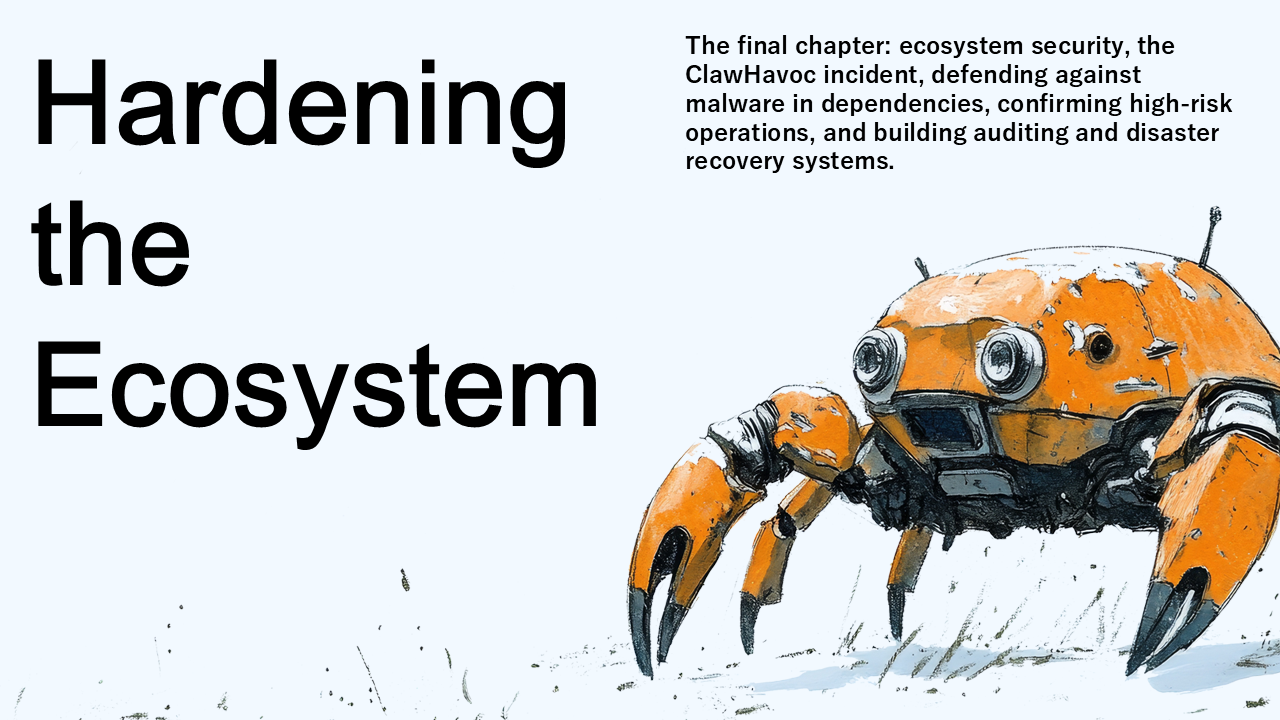
OpenClaw Engineering, Chapter 13: Hardening the Ecosystem
The final chapter: ecosystem security, the ClawHavoc incident, defending against malware in dependencies, confirming high-risk operations, and building auditing and disaster recovery systems.
2026-03-28

Frictionless SaaS, Chapter 6: The Activation Event - The One Metric That Predicts Everything Else
Chapter 6 of the Frictionless SaaS blog series. Activation isn't a moment - it's a specific, measurable event. How to define it, why precision matters, and how the Micro-Success Ladder turns a single activation action into a path most users will actually walk.
2026-03-27
Frictionless SaaS, Chapter 5: Just-In-Time Learning - Teach Users at the Exact Moment They Need It
Chapter 5 of the Frictionless SaaS blog series. Users don't want to learn your product - they want to solve their problem. Just-In-Time Learning teaches at the moment of need, and the Skippable Onboarding Principle respects the users who already know what they're doing.
2026-03-26
Frictionless SaaS, Chapter 4: The First Ten Minutes - Designing the Session That Decides Everything
Chapter 4 of the Frictionless SaaS blog series. The first ten minutes of a user's first session decide whether they activate or silently churn. The First Session Blueprint and the Empty State Opportunity are the two design patterns that separate products users love from products users forget.
2026-03-25
OpenClaw Engineering, Chapter 10: Multi-Agent Systems
Build teams of specialized agents that work in concert. Learn how to architect planners, coders, critics, and surveyors, coordinate them via channels, and use adversarial collaboration and taste gates for high-quality output.
2026-03-25
OpenClaw Engineering, Chapter 9: Scheduling and Deterministic Orchestration
Time-based automation for agents: cron jobs for simple periodic tasks and the Lobster workflow engine for complex, deterministic, resumable multi-step pipelines with human approval gates.
2026-03-24
OpenClaw Engineering, Chapter 8: Event-Driven Workflows
How OpenClaw agents spring into action automatically via hooks, webhooks, and TypeScript handlers—without waiting for human invocation. From internal events to CI/CD pipelines.
2026-03-23
Frictionless SaaS, Chapter 2: The SAFE Journey — A Map of Where Your Users Actually Quit
Chapter 2 of the Frictionless SaaS blog series. The SAFE Journey Framework breaks the user lifecycle into Signup, Activation, Frequency, and Expansion — each with different friction, different metrics, and different fixes. Plus: why Time to Value is the most important retention metric in early-stage SaaS.
2026-03-23
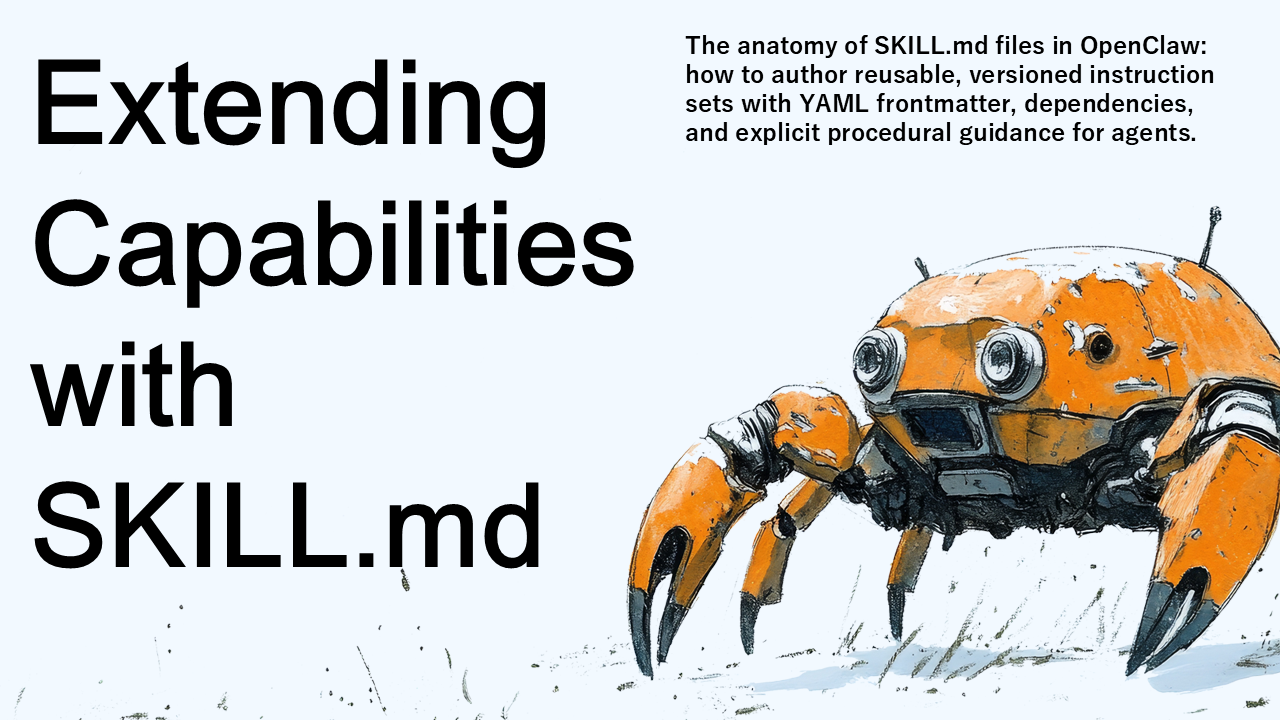
OpenClaw Engineering, Chapter 6: Extending Capabilities with SKILL.md
The anatomy of SKILL.md files in OpenClaw: how to author reusable, versioned instruction sets with YAML frontmatter, dependencies, and explicit procedural guidance for agents.
2026-03-21
Chapter 19 – Measuring AI Effectiveness
Chapter 19 of Master Claude Chat, Cowork and Code tackles the question every team eventually asks: is our AI actually working? Learn to build metrics frameworks, structured evaluations, and workflow acceleration measurements that prove (or disprove) AI's value.
2026-03-19
Chapter 18 – Sub-Agents and Multi-Agent Collaboration
Chapter 18 of Master Claude Chat, Cowork and Code explores multi-agent architecture — how to decompose complex problems into specialized sub-agents, coordinate parallel execution, and synthesize results into coherent outputs.
2026-03-18
OpenClaw Engineering, Chapter 3: Deployment and Environment Setup
From local development to production: installing Node.js 22+, setting up Docker containers, and deploying OpenClaw to the cloud via AWS Lightsail or VPS providers.
2026-03-18
OpenClaw Engineering, Chapter 2: Anatomy of the Agent Brain
How OpenClaw agents think through their identity files, two-layer memory system, and proactive task scheduling. A deep dive into SOUL.md, AGENTS.md, USER.md, MEMORY.md, HEARTBEAT.md, and semantic memory via Supermemory.
2026-03-17
Chapter 15 – Managing Context Rot and Entropy
Chapter 15 of Master Claude Chat, Cowork and Code tackles the silent failure mode of long-running AI sessions — context rot. Learn strategies for context compression, structured state management, and thinking like an operations team to keep Claude sharp over time.
2026-03-16
OpenClaw Engineering, Chapter 1: The OpenClaw Paradigm
The first chapter teaser in a new series on OpenClaw Engineering. Why autonomous agents need a different foundation, the four-layer architecture (Gateway, Nodes, Channels, Skills), and the three principles that hold it all together.
2026-03-16
Chapter 13: Encapsulating Knowledge with Agent Skills — From Conversations to Autonomous Procedures
Chapter 13 of Master Claude Chat, Cowork and Code introduces Skills — reusable, encapsulated procedures that Claude executes autonomously. Covers SKILL.md structure, YAML frontmatter, trigger descriptions, and the Skills Library pattern for team distribution.
2026-03-14
Chapter 9: Claude Code Fundamentals — The CLI Agent That Rewrites Your Codebase
Chapter 9 of Master Claude Chat, Cowork and Code introduces Claude Code — a CLI agent that reads, analyzes, and modifies codebases directly from the terminal. Covers architecture, multi-file refactoring, Git worktrees, and permission management.
2026-03-10
Chapter 8: Scheduled Tasks and Autonomous Execution — Making Claude Work While You Sleep
Chapter 8 of Master Claude Chat, Cowork and Code covers scheduled automation with Claude Cowork — cron-based recurring workflows, sleep/connectivity handling, error strategies, and applying GTD principles to AI task automation.
2026-03-09
Chapter 6: What Is Claude Cowork? — The Desktop Agent That Touches Your Files
Chapter 6 of Master Claude Chat, Cowork and Code introduces Claude Cowork — a sandboxed desktop agent that automates file management, data extraction, and cross-application workflows on your local machine.
2026-03-07
Chapter 5: Rapid Prototyping with Artifacts — From Conversation to Live Application
Chapter 5 of Master Claude Chat, Cowork and Code explores how Claude Artifacts collapse the feedback loop between idea and execution — turning conversations into live, interactive applications in seconds.
2026-03-06
Master Claude, Chapter 3: Understanding Entropy and Prompting Fundamentals — Why Your Prompts Fail and How to Fix Them
Chapter 3 of Master Claude Chat, Cowork and Code explains why some prompts work and others fail — through the lens of entropy and probability. Covers XML-structured prompting, chain-of-thought reasoning, multishot examples, and a standard prompt template you can use immediately.
2026-03-04
Master Claude, Chapter 2: The Three Pillars of Claude — Chat, Cowork, and Code
Claude is not one product — it is three. Chat for reasoning, Cowork for desktop automation, Code for terminal-based development. Chapter 2 of Master Claude Chat, Cowork and Code explains the architecture of each and the decision framework for choosing the right one.
2026-03-03
Master Claude, Chapter 1: The Evolution of Large Language Models — From Markov Chains to Context Engineering
Chapter 1 of Master Claude Chat, Cowork and Code traces the journey from statistical text prediction to reasoning engines — and explains why context engineering, not bigger models, is where the next leap in AI productivity comes from.
2026-03-02
Categories
Tags
Search Logs
Hello World bot 1185
IT assistant bot 1140
Deploy Teams bot to Azure 1137
Microsoft Bot Framework 1052
Teams bot development 1025
Teams production bot 1004
bot for sprint updates 994
Microsoft Teams Task Modules 979
Zendesk Teams integration 979
Teams app zip 977
Bot Framework Adaptive Card 973
Bot Framework example 964
Task Modules 961
Teams chatbot 955
Azure CLI webapp deploy 952
C 952
Teams bot packaging 947
Teams bot tutorial 946
Bot Framework proactive messaging 941
Graph API token 937
Bot Framework CLI 932
Adaptive Card Action.Submit 930
Bot Framework prompts 913
Azure App Service bot 908
Microsoft Graph 907
Azure Bot Services 883
Adaptive Cards 881
Azure bot registration 880
ServiceNow bot 866
proactive messages 814
Development & Technical Consulting
Working on a new product or exploring a technical idea? We help teams with system design, architecture reviews, requirements definition, proof-of-concept development, and full implementation. Whether you need a quick technical assessment or end-to-end support, feel free to reach out.
Contact Us